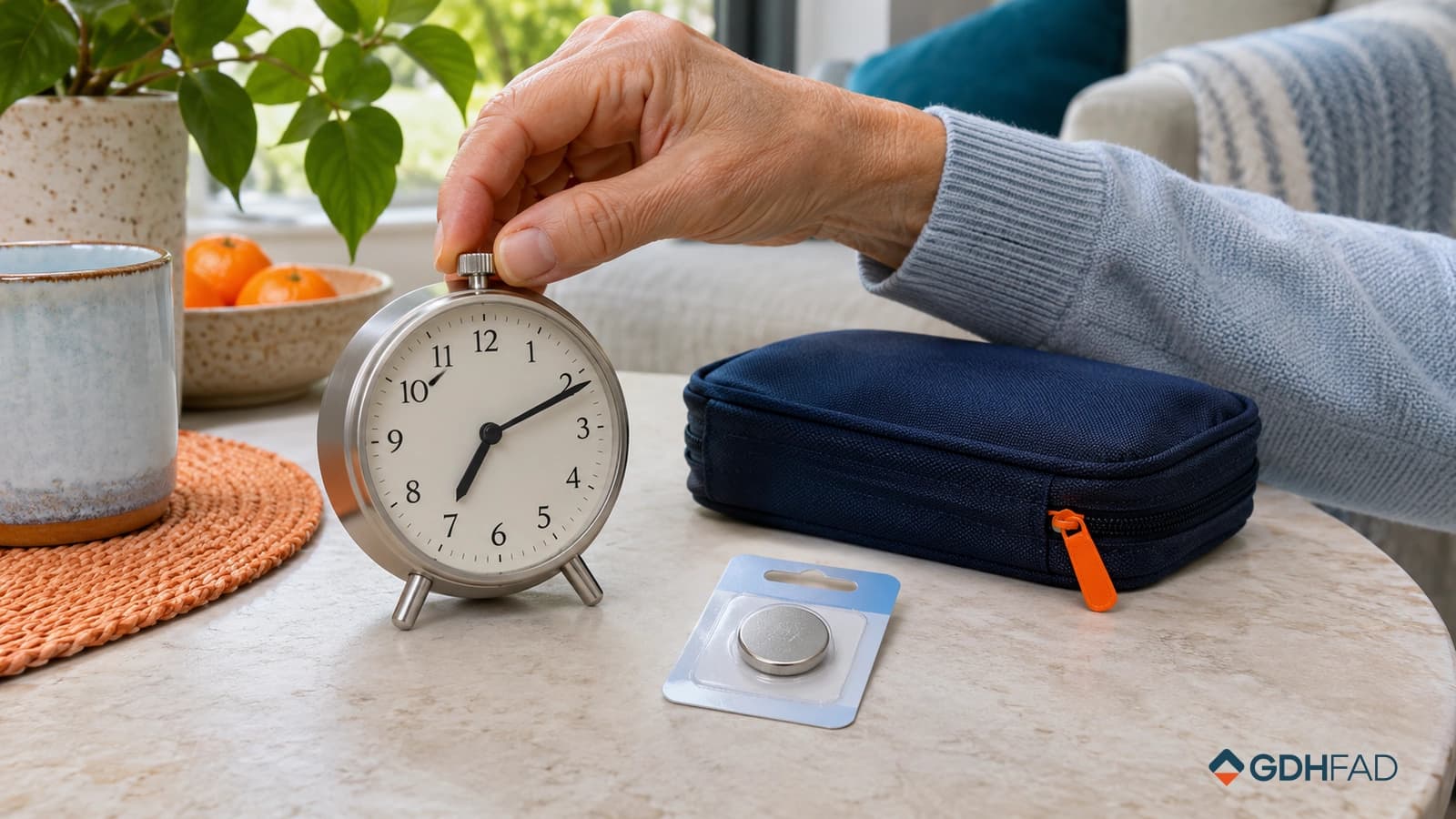
Check power before you need it
Do not postpone a low-battery message until testing becomes urgent. Use the battery type or charging method specified in the instructions. Similar-looking replacements may not be suitable. Store spare batteries safely around children.
Check after replacement
Some devices retain settings; others require checks after power interruption. Verify date, time and units. Do not assume the new meter behaves like an older model. Wait for the ready signal before testing.
Why timestamps matter
Wrong time may not change glucose determination itself, but it makes records confusing: morning becomes evening and an after-meal reading may look fasting. Note clock changes during travel and do not silently rewrite past records.
When to ask support
Report repeated loss of settings, unexpected shutdown or failure with the correct battery. Keep a display photo and describe the sequence. Do not dismantle the case.
- Check the clock at first use.
- Verify settings after battery changes.
- Separate control tests from blood readings.
- Record repeated malfunction sequences.
Sources
- FDA: Getting the Most Out of Your MeterUpdated:
- NIDDK: Managing DiabetesReviewed by the source: